Are you a news freak too? I am and I struggle to get glimpses of news headlines that I can scan quickly in between screams of anguish about current events.
Where do you get your news? Here’s one place you may have underestimated.
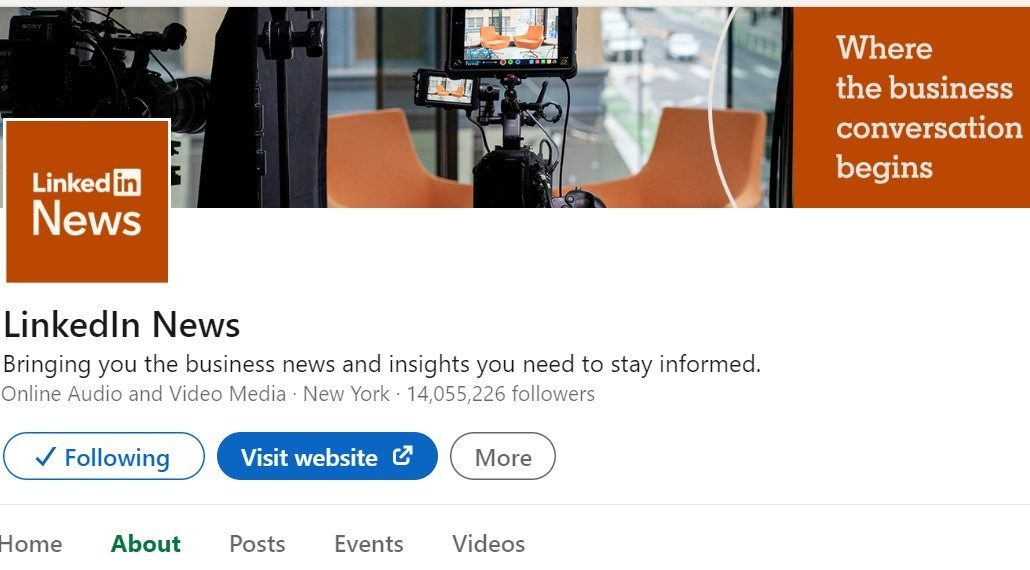
LinkedIn News page provides a curated subset of the news that breaks so fast these days, professionally edited and selected from some of the most recognized sources. All in one place.
Bias? Well, yes towards businesspeoples’ need-to-know.
Political? Only when it affects professionals and their business, as I have noticed.
The Daily Rundown is an easy way for you to get top professional news at the start of your day. You can click on a story from the list to know more about it. When you click on a story, you’ll see a short overview followed by a collection of member posts our editors have picked to provide further perspectives and opinions on the story.
Download the LinkedIn mobile app to receive a notification showing you the Daily Rundown every morning. You’ll receive notifications via LinkedIn on your desktop and mobile app unless you change your notification settings. You have a choice in what they send you there.
The Daily Rundown is currently available in the United States, United Kingdom, Canada, Mexico, Brazil, Germany, Austria, Switzerland, Australia, India, Japan, France, the Netherlands, Pan-Asia and Pan-Europe (50+ countries).
Today’s News & Views
LinkedIn editors constantly update our platform with trending and latest news. To view these updates, tap the Search bar on your LinkedIn mobile app. On the desktop, it is located on the right pane of the LinkedIn homepage. This feature helps you stay updated with news throughout the day.
LinkedIn News Banner
The LinkedIn News banner is an easy way for you to discover and stay current on timely professional news stories and perspectives. You can access the LinkedIn News banner at the top of your Feed on mobile. If you click on the story, you will see relevant articles and LinkedIn posts, including posts from top publishers and journalists, that our editors curated for that topic.
You can remove a LinkedIn News article that appears at the top of your Feed at any time by hitting the close icon on the top right corner of the banner, which will remove the banner from your Feed for 24 hours.
The LinkedIn News banner is currently only available to members in the United States, Canada, and India.
All the news that’s fit to read on the platform we rely on to keep us informed as professionals, right?
What’s your opinion on the news quality LinkedIn pushes to you? Let us all know what you think.
LinkedIn personal coach, group trainer, marketing strategist and overall evangelist, having a great time pursuing my passion of connecting professionals so they can collaborate better!