
 A real good question came to me from a woman in one of my past corporate training sessions, as you can see in the title above.
The answer I sent her:
You can see any unreplied invitations that you received by clicking the My Network icon at the dark green bar at the top of the LinkedIn homepage.

Then you click “manage all” at the top of the invitations box.
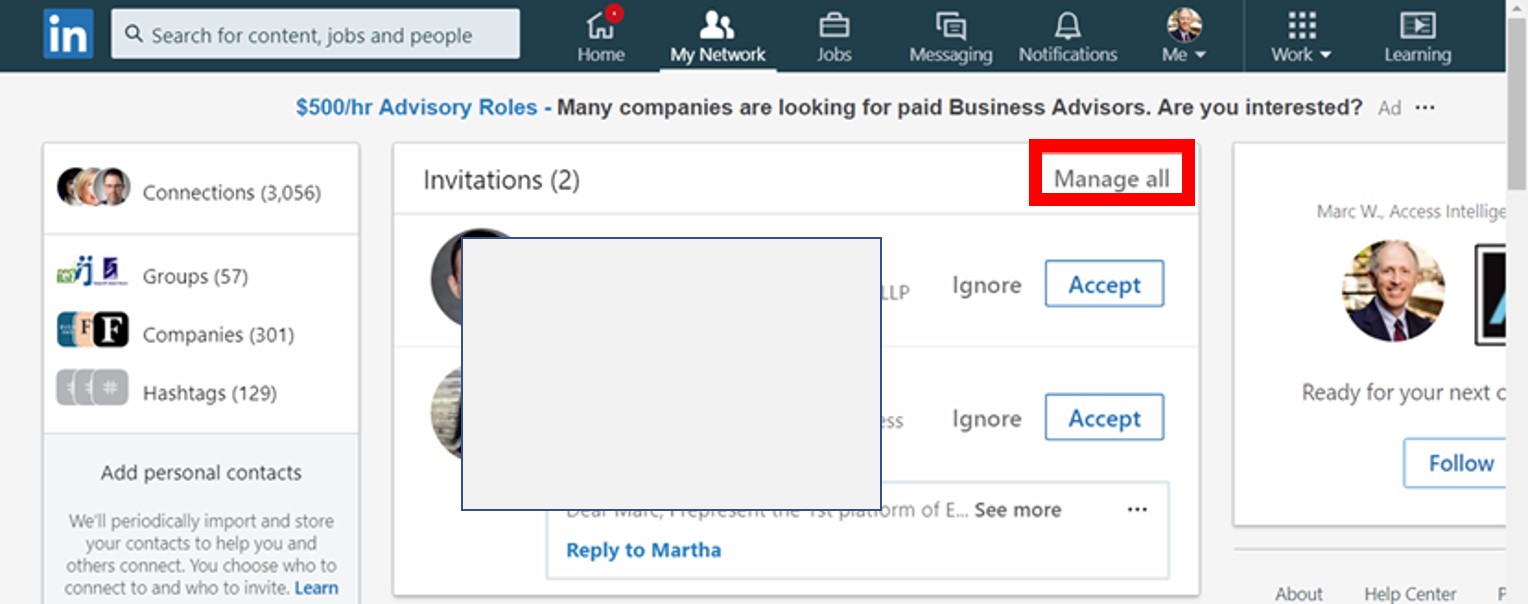
Then the next page defaults to the invitations you have received and only shows those you have not yet replied to; in my case 2 are in the hopper.
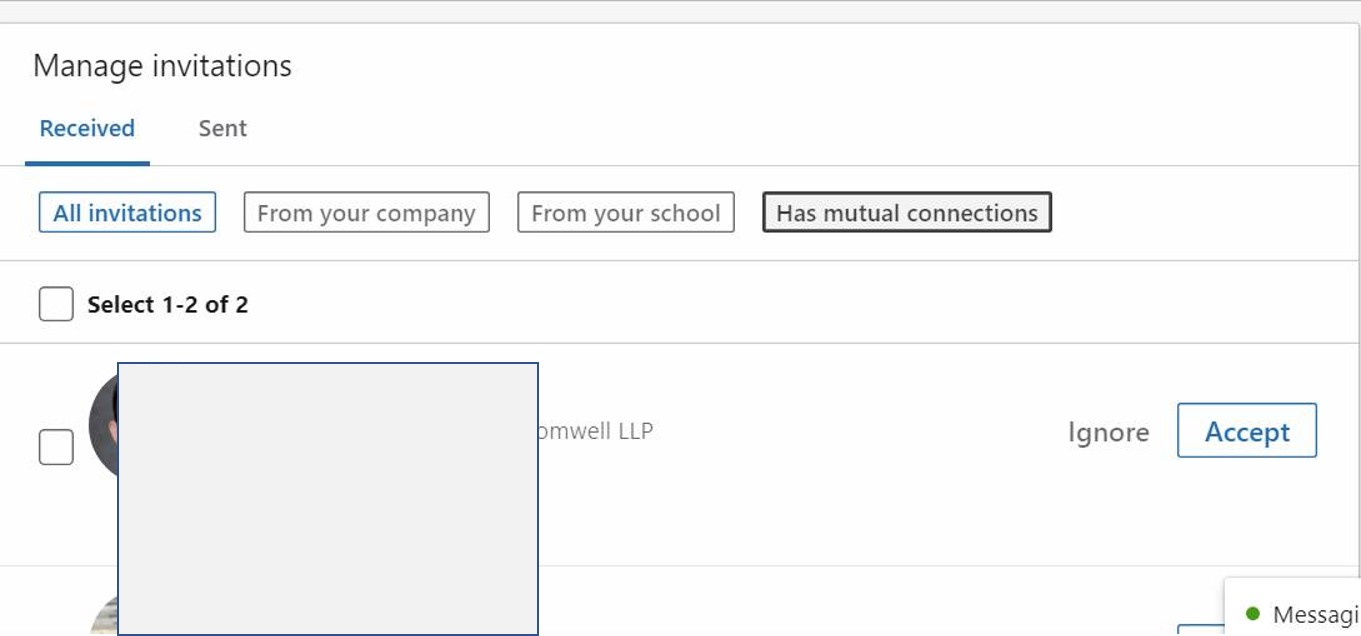
The ones you already accepted are added to My Network if you agree to connect, or deleted if you decide not to.
Great question. Somewhat hidden way to see this on LinkedIn.
Keep asking me these how-to’s and I’ll answer them on Tuesdays.