


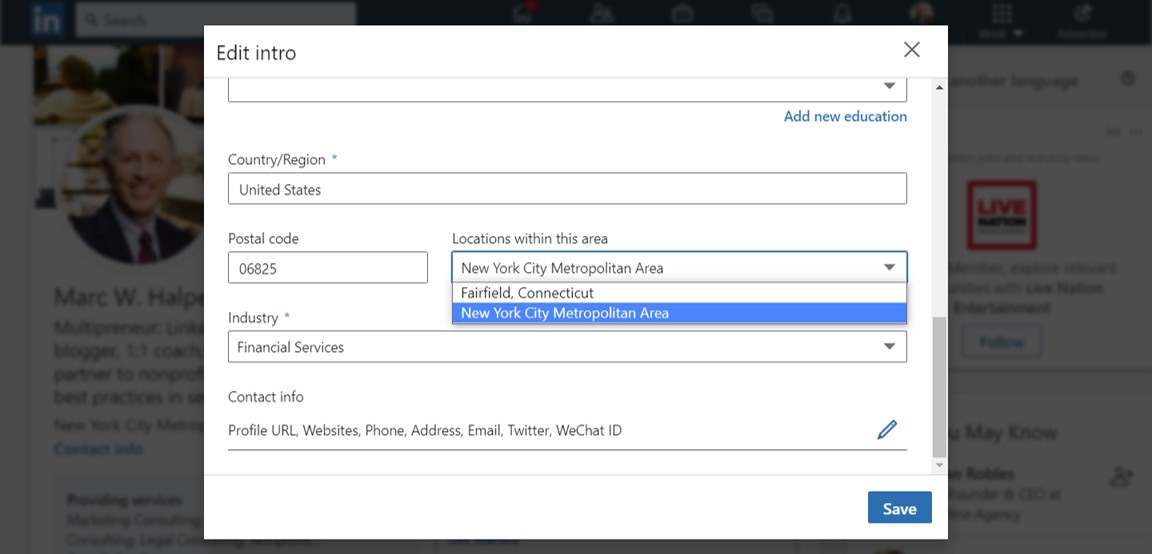
Not the name of your little town. Click the blue pencil right under the banner in the top right corner of your profile page.
Select from the dropdown, as I needed to do:

Why?
First you want to show you are working in as wide an area as possible, unfettered by town limits. If there were “global” as a location, many of us would choose that but it’s not in the dropdown…
Second, and most importantly, in LinkedIn’s search function. no one will select, or find you, if they can’t remember the name of your little town as a search criterion, but they are more likely to find you if they associate you with a metro area.

{Ignore my above recommendation if you are a residential real estate agent specializing in just one town, but really, am I right: very few can tie themselves to one town anymore?}
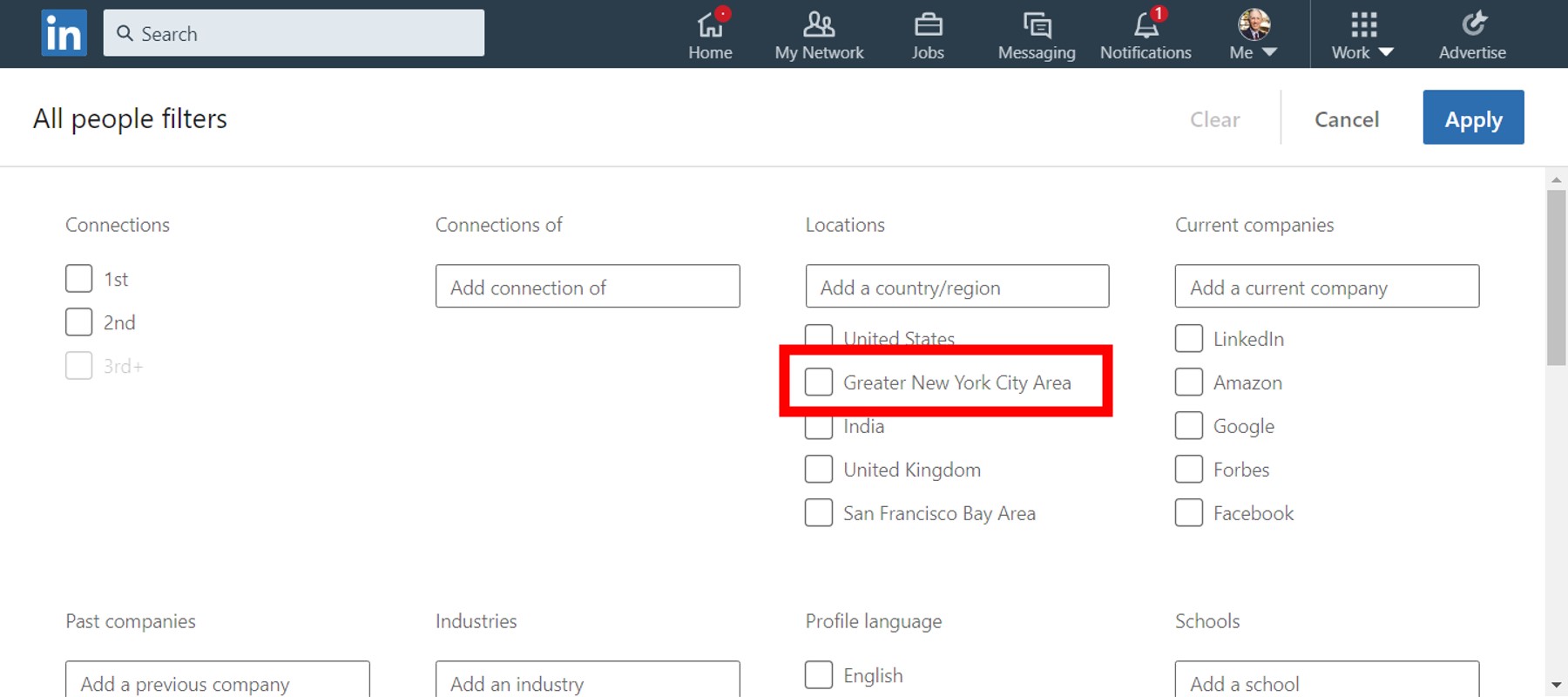
PS, NYC metro folks, change your location on your Intro Card (as in my top graphic) to “New York City Metropolitan area,” which was changed a while ago from the earlier (now renamed) “Greater New York City Area.”
Don’t worry, the search will still find you, although it still shows “Greater New York City Area.”
Now doesn’t that seem weird? But we have to move on, in a New York second.