

Note: You may not have noticed, but LinkedIn is changing the way you do things.
The “good stuff,” as I like to call it, is getting harder to find, but I will show you where to look in the next few blog posts.


Click that and a dropdown box with some powerful functionality appears.
All this week, I will review them one by go one by one to make you more comfortable using these shortcuts:
Find References:
I really don’t feel there is a lot to gain from this unless you want to know out of curiosity how you can get the inside scoop on this person. It’s a bit creepy IMHO.
This is the box you get:
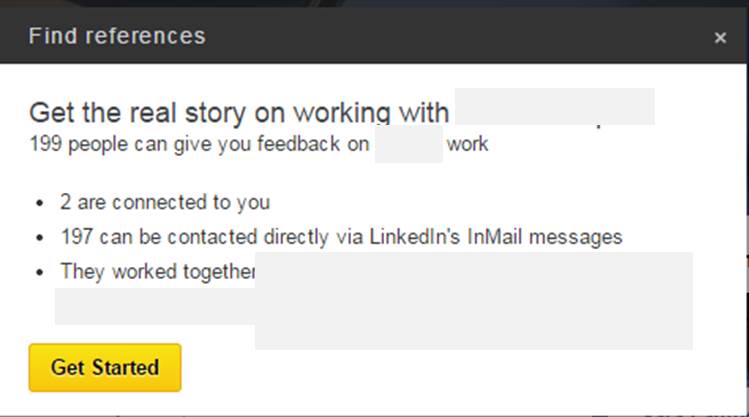
- So please be professional and responsible when “checking someone out.”
- I thinks there is better information on their profile per se, so take the extra couple of minutes and review them there. Read what they have to say.
- Don’t be a stalker.
More about these functions next week.